In 2026, staying ahead in the digital world requires knowing the latest WordPress tips to enhance your website's performance. Whether you're a seasoned developer or a business owner managing your site, these strategies can make a huge difference. Let's dive into the top 10 must-know WordPress tips for this year.
1. Optimize Your Images
Images can significantly affect your website's loading speed. By optimizing them, you ensure faster performance. Use tools like TinyPNG or ShortPixel to compress images without losing quality. Consider changing formats to WebP, which often provides better compression.
2. Choose a Lightweight Theme
Your theme is the foundation of your site, and a lightweight theme can drastically improve load times. Themes like Astra or GeneratePress are known for their minimal impact on performance while offering customization options.
3. Implement Caching Solutions
Caching plugins like WP Super Cache or W3 Total Cache store static versions of your pages, reducing server load and speeding up delivery to users. This is especially important for high-traffic sites.
4. Regularly Update Plugins and WordPress
Keeping your WordPress core, themes, and plugins up to date not only ensures you have the latest features but also protects your site from vulnerabilities. Schedule regular updates to maintain security and performance.
5. Use a Content Delivery Network (CDN)
A CDN like Cloudflare distributes your content across multiple servers worldwide, reducing latency and improving load times for visitors, no matter their location.
6. Minimize HTTP Requests
Each element on a webpage (images, scripts, stylesheets) requires an HTTP request. By minimizing these, you speed up your site. Combine files where possible and use asynchronous loading for scripts.
7. Optimize Your Database
Your WordPress database stores all your content and settings. Over time, it can become bloated with unnecessary data. Use plugins like WP-Optimize to clean up and optimize your database.
8. Leverage Browser Caching
Browser caching allows users to store parts of your site on their devices, speeding up subsequent visits. Adjust your .htaccess file to set expiration times for different file types.
9. Enable GZIP Compression
GZIP compresses your files before sending them to the browser, reducing load times and bandwidth usage. Most caching plugins offer GZIP compression, or you can enable it via your server settings.
10. Monitor and Test Your Site Regularly
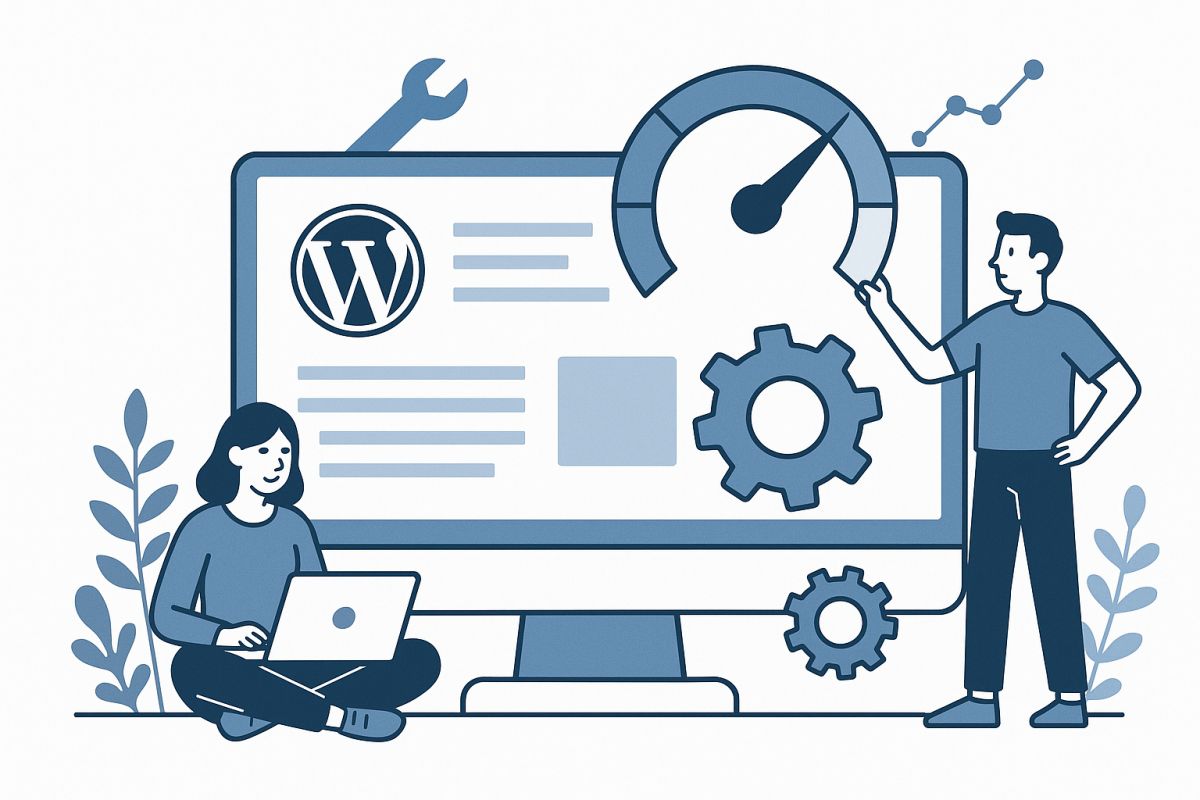
Regular monitoring with tools like Google PageSpeed Insights or GTmetrix helps identify performance issues early. Testing ensures all parts of your site work seamlessly, providing a good user experience.
In conclusion, applying these WordPress tips for 2026 can significantly enhance your site's performance. By optimizing images, choosing the right themes, and leveraging caching solutions, you set your website up for success. If you need expert guidance, consider reaching out to devsEye, a digital agency dedicated to helping businesses grow online.