In 2026, the digital landscape continues to evolve, and ensuring your WordPress site is optimized is more crucial than ever. Whether you're a seasoned developer or a business owner trying to keep up, understanding WordPress optimization techniques can significantly enhance your site's speed and performance. Let's dive into some actionable strategies that can make a world of difference.
Why WordPress Optimization Matters in 2026
Imagine walking into a store and having to wait several minutes just to see what's on offer. Frustrating, right? The same principle applies to your website. As of 2026, users expect lightning-fast load times. A delay of even one second can lead to a 7% reduction in conversions. Optimizing your WordPress site ensures that visitors stay engaged and satisfied.
Essential WordPress Performance Tips
1. Choose a Reliable Hosting Provider
Your hosting provider is like the foundation of your house. Inadequate hosting can lead to slow load times and downtime. Opt for a managed WordPress hosting solution that specializes in speed and reliability.
2. Use a Lightweight Theme
Think of your theme as the blueprint for your house. A heavy, cluttered theme can slow everything down. Choose a theme designed for speed. Themes like Astra or GeneratePress are known for their lightweight structure.
3. Implement a Caching Solution
Caching is like storing your frequently used items within arm's reach instead of going to the attic every time. Plugins like W3 Total Cache or WP Super Cache can drastically reduce load times by storing static versions of your pages.
Advanced Techniques to Optimize Your WordPress Site
1. Optimize Images for Faster Load Times
Images are often the largest files on your site. Using tools like Smush or ShortPixel can compress images without losing quality, ensuring they load quickly.
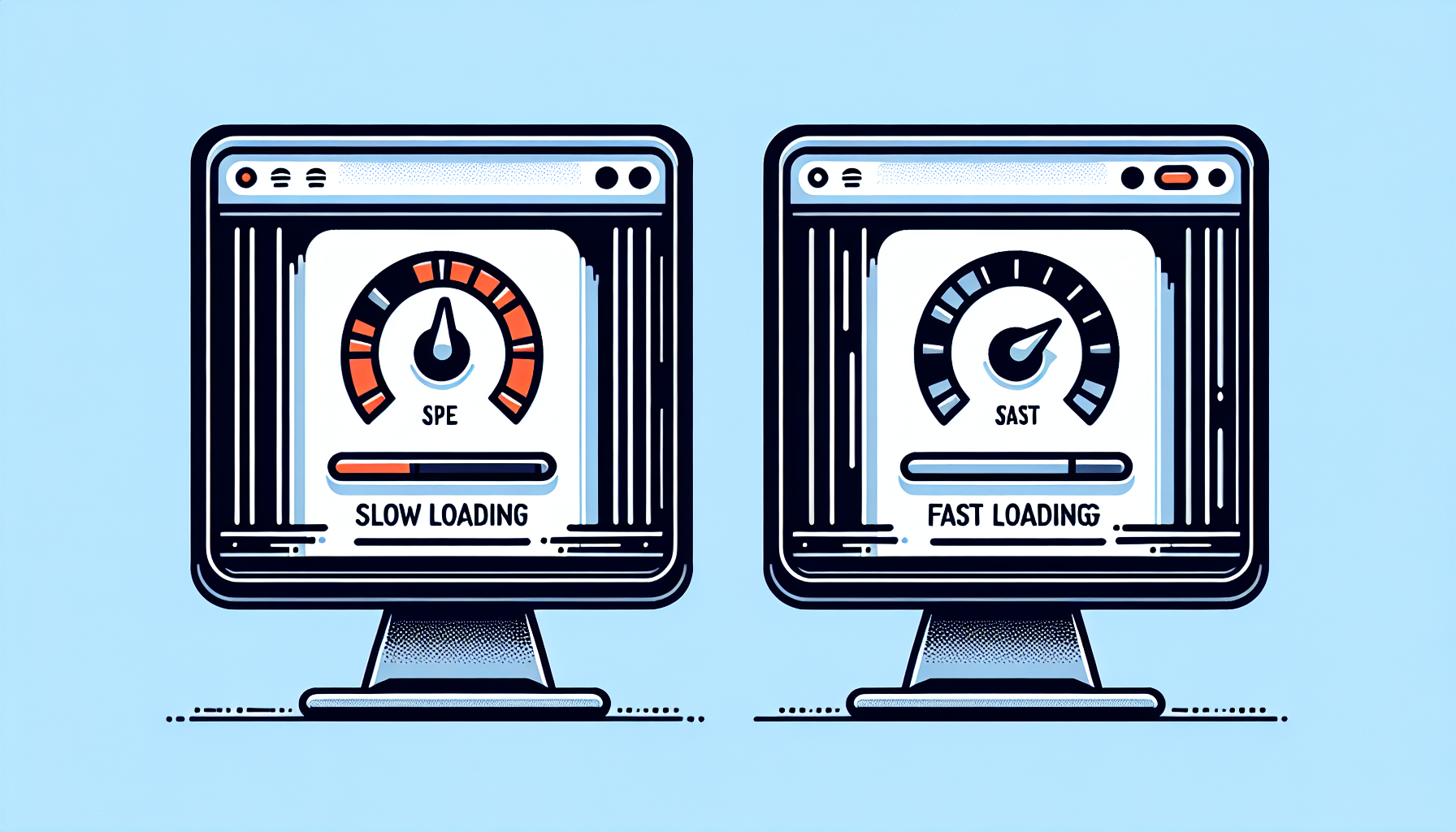
2. Minify CSS, JavaScript, and HTML
Imagine removing all unnecessary spaces and extra elements from a document to make it more concise. That's what minifying does for your site code. Use plugins like Autoptimize to streamline your code and enhance speed.
Real-World Examples of WordPress Speed Improvement
Consider the case of a small online boutique that saw a 30% increase in sales after optimizing their site for speed. By switching to a faster hosting provider and implementing image optimization, they reduced load times dramatically, leading to more satisfied customers and higher revenue.
Conclusion: Embrace WordPress Optimization in 2026
Taking the time to focus on WordPress optimization in 2026 can lead to significant improvements in user experience and site performance. By leveraging these techniques, you can ensure your site is ready to meet the demands of today's digital audience. If you're looking for expert assistance, consider reaching out to devsEye, a digital agency dedicated to helping businesses grow online through strategic optimization and development.